The Editing Process
Editing drone photos in Lux is all about cleaning up light, fixing perspective, and making your aerial shots look crisp and professional without spending hours in a complex editor.
Photo Editing With Lux Software
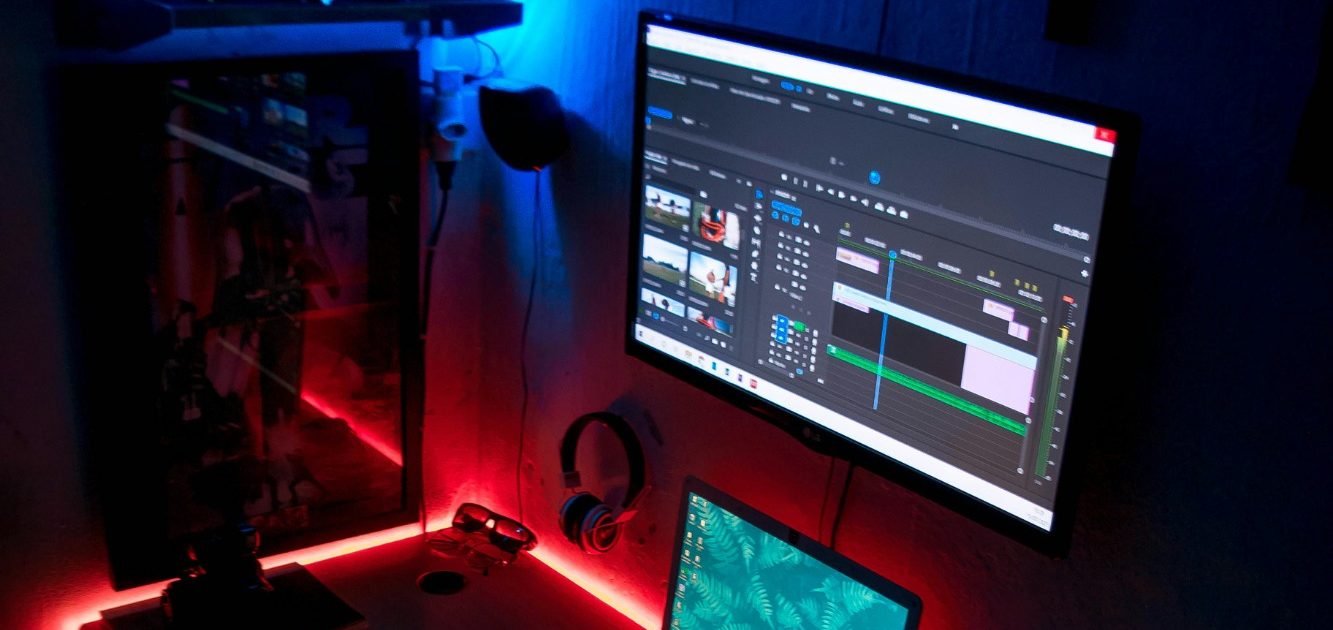
At Brandons Drone Services, every aerial image goes through a professional post‑processing workflow using Lux, a modern editing platform designed for clean, natural, high‑quality results. Lux allows us to refine each photo with precision while preserving the true look of the property, land, or structure.
Clean, Accurate Lighting
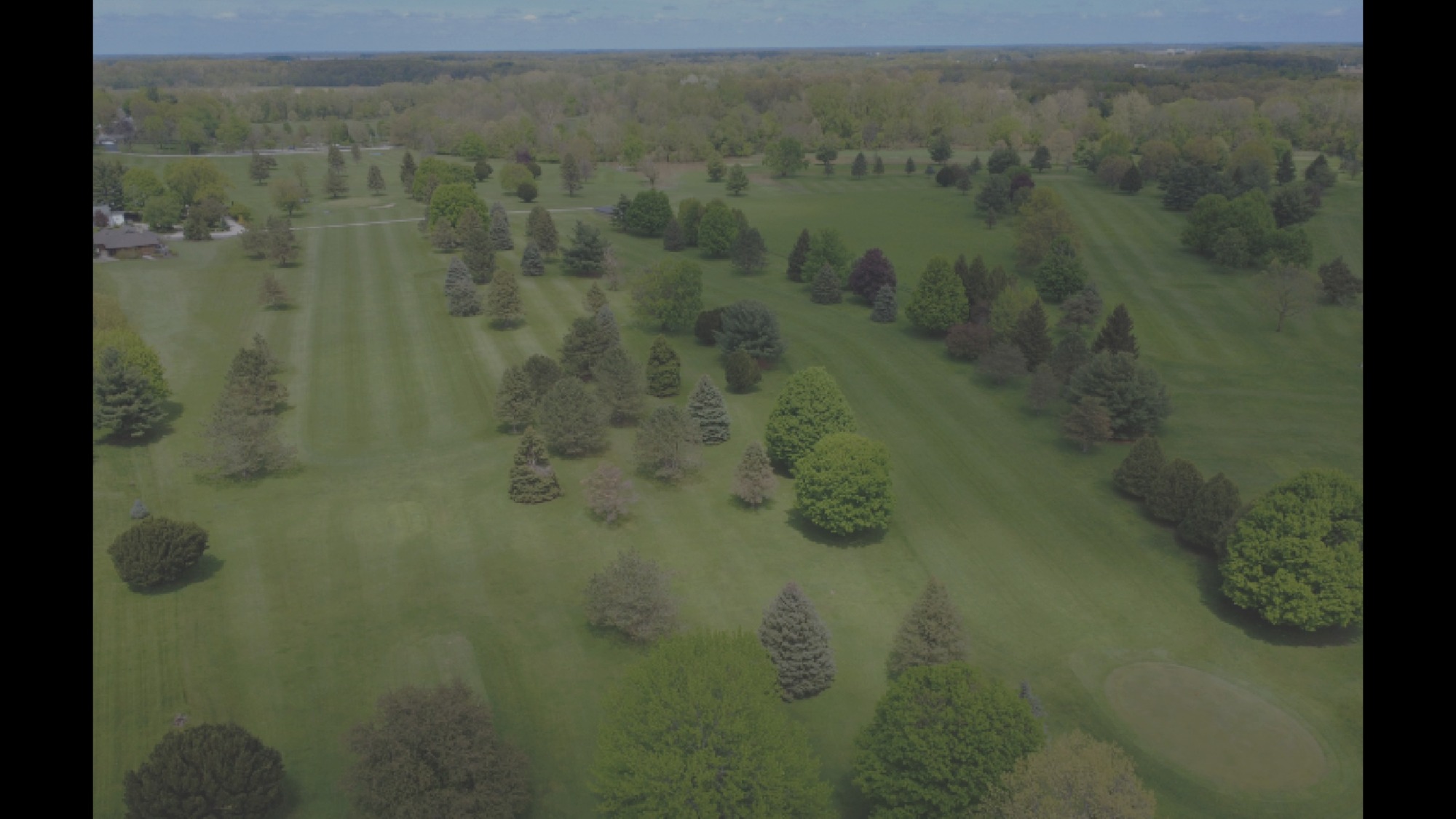
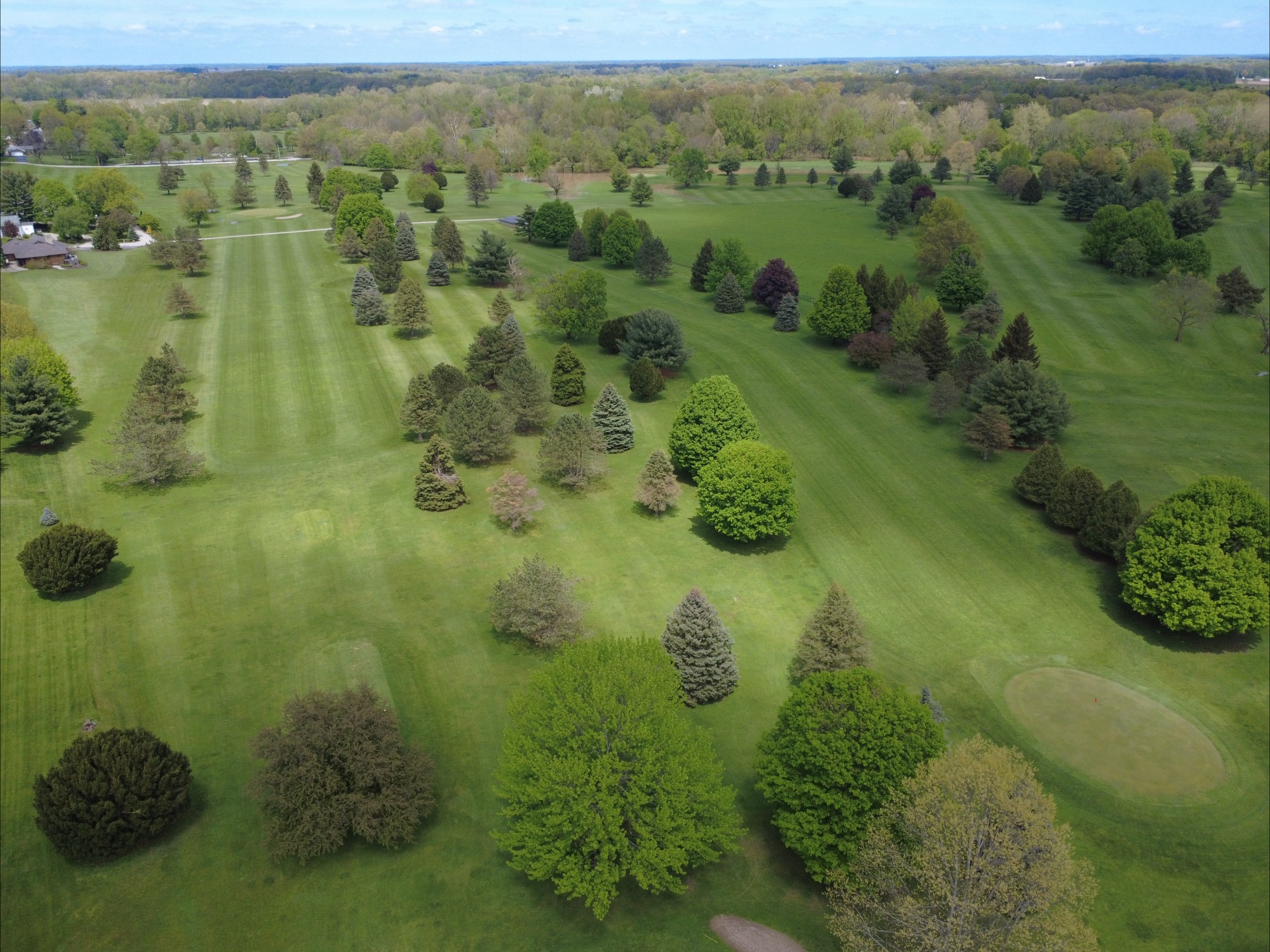
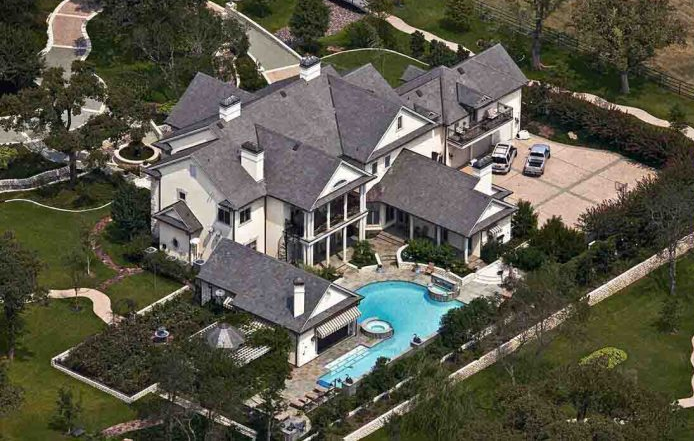
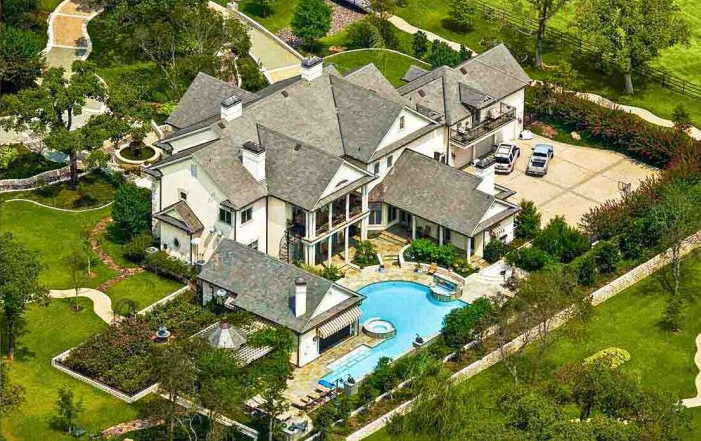
Drone photos often capture bright skies and darker ground areas. Lux’s advanced lighting tools help balance exposure, recover sky detail, and reveal texture on the ground—creating a clear, evenly lit final image.
True‑to‑Life Color Correction
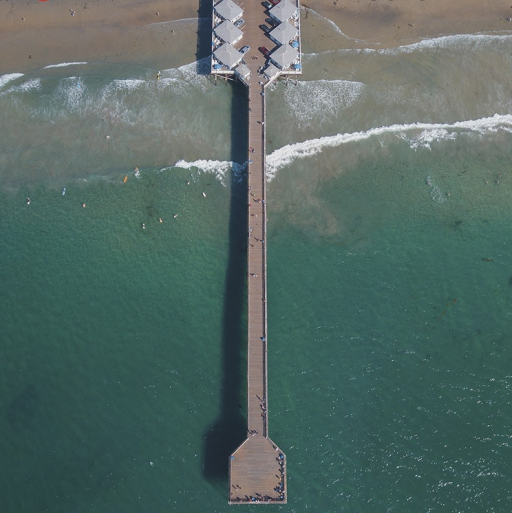
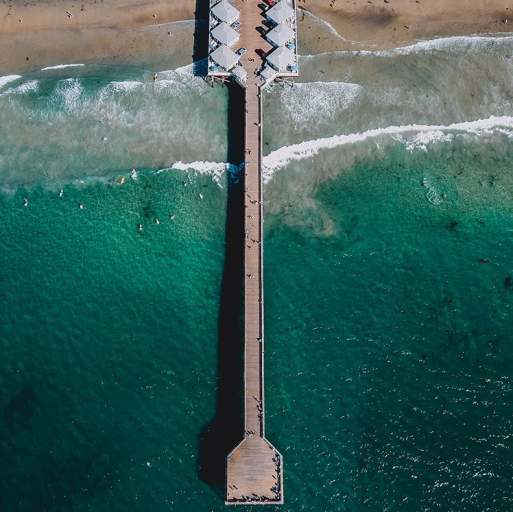
Lux provides powerful color controls that remove unwanted color casts caused by sunlight, haze, or altitude. We fine‑tune temperature, tint, and individual color channels to ensure the final image looks natural, vibrant, and visually appealing.
Enhanced Detail & Clarity
Using Lux’s clarity, texture, and dehaze tools, we bring out fine details in roofs, siding, vegetation, and land features without over‑sharpening. This results in crisp, professional images ideal for inspections, real estate, and marketing.
Perspective & Horizon Correction
Aerial photos can sometimes show slight tilt or distortion. Lux’s perspective tools allow us to straighten horizons, correct leaning structures, and refine composition for a polished, intentional look.
Professional Finishing Touches
Every image receives a final pass to adjust contrast, reduce noise, and ensure consistent quality across the entire set. Whether it’s a single inspection photo or a full real estate gallery, Lux helps deliver clean, high‑resolution images ready for web, print, or client delivery.